Interface + Chat
A customizable HUD, roleplay chat, notifications and progress bars, all edited in-game with live preview. 10+ HUD styles, car HUDs and a stress system. ESX, QBCore, Qbox.
- ESX
- QBCore
- Qbox
- QSCore
A customizable HUD, roleplay chat, notifications and progress bars, all edited in-game with live preview. 10+ HUD styles, car HUDs and a stress system. ESX, QBCore, Qbox.
[02] Multimedia · 34 capturas · 01 vídeo
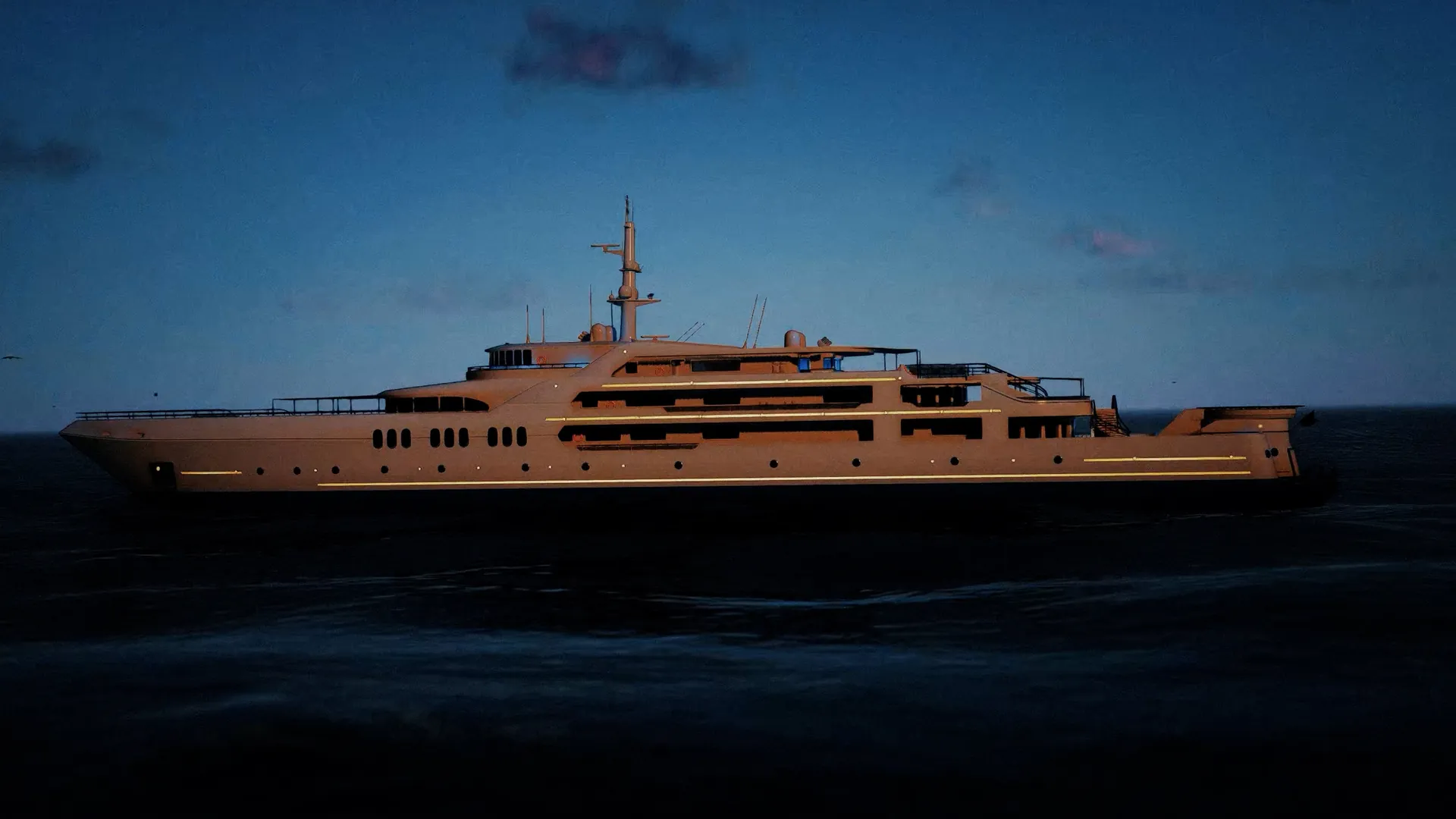
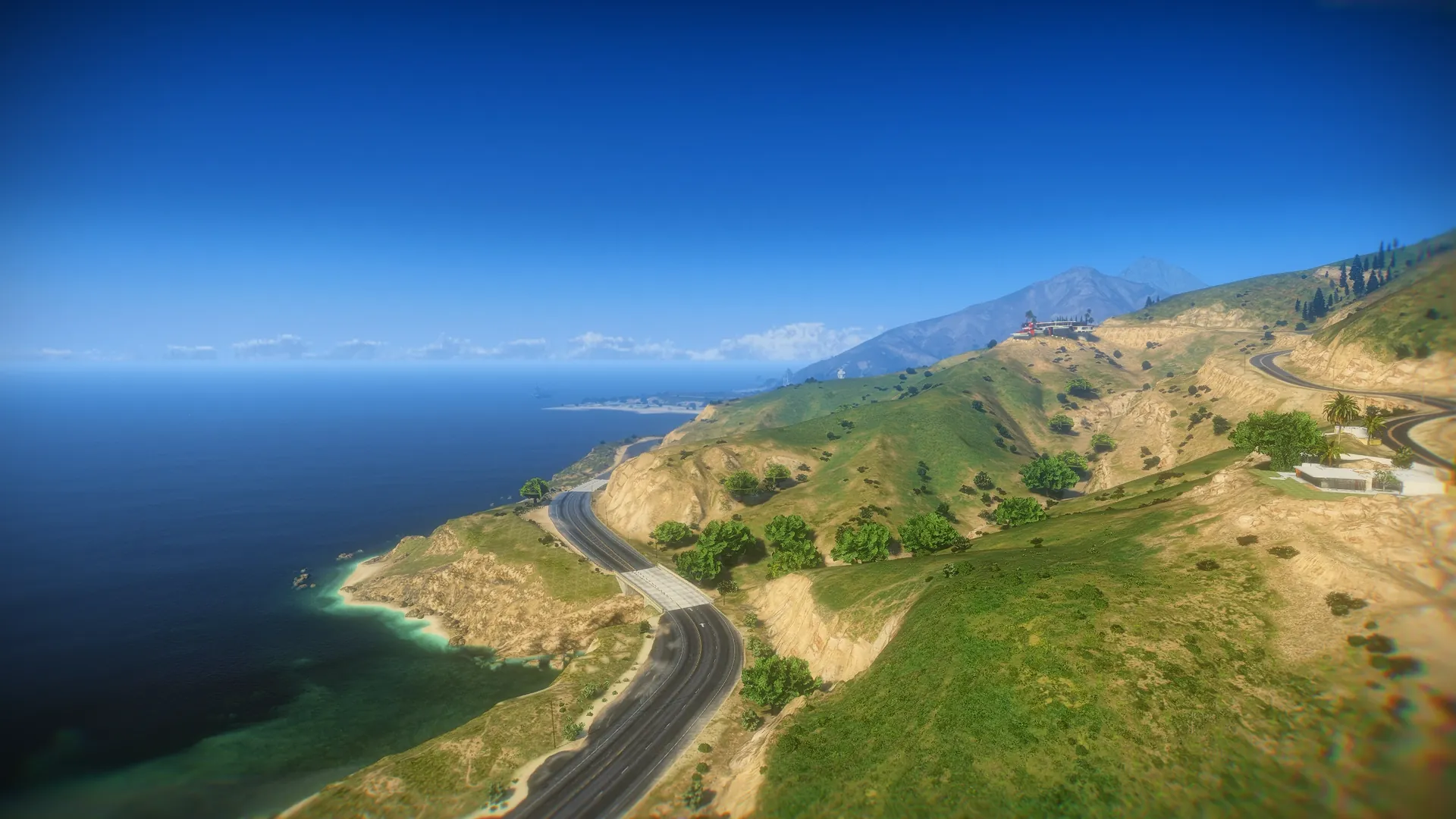
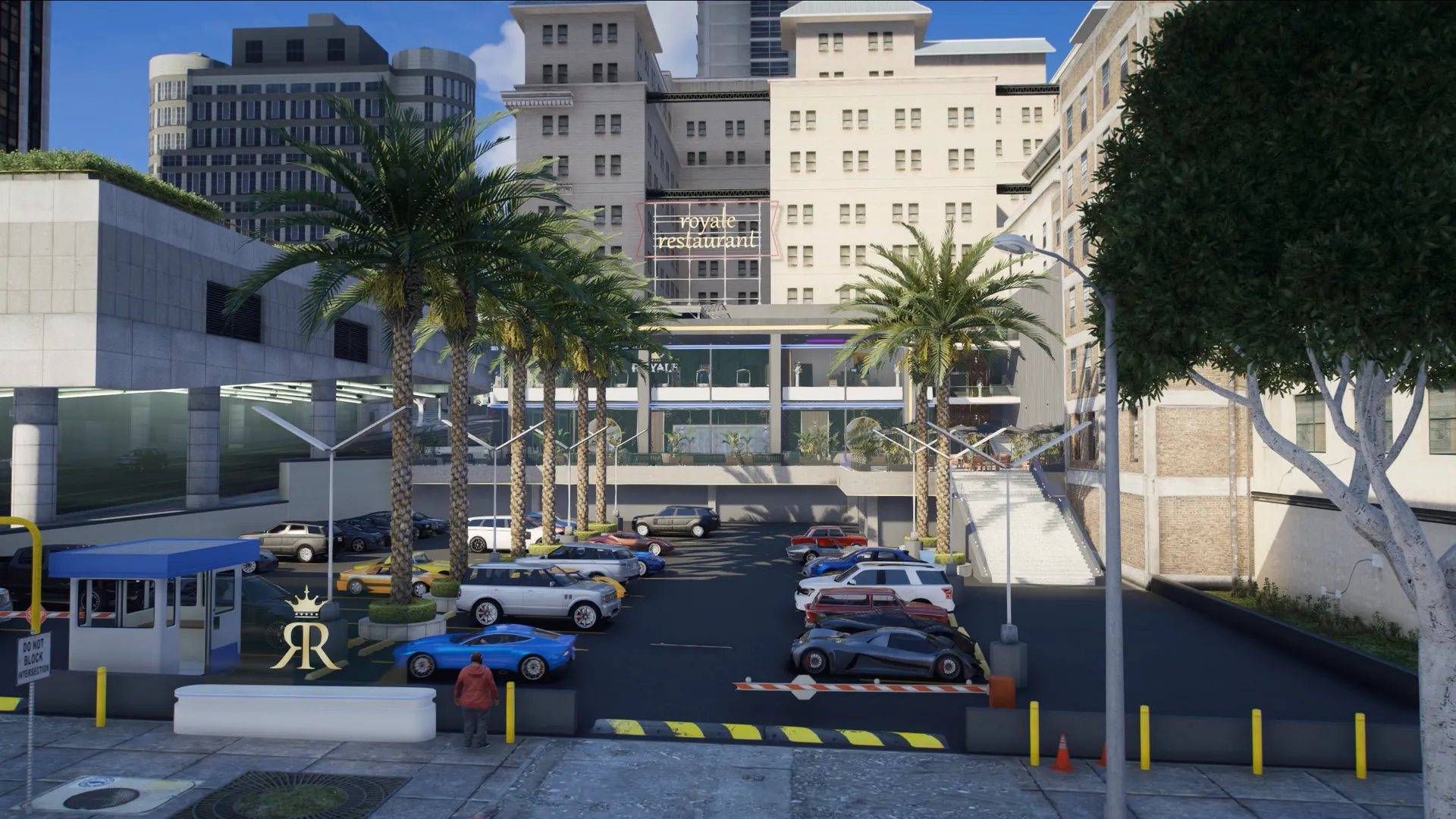
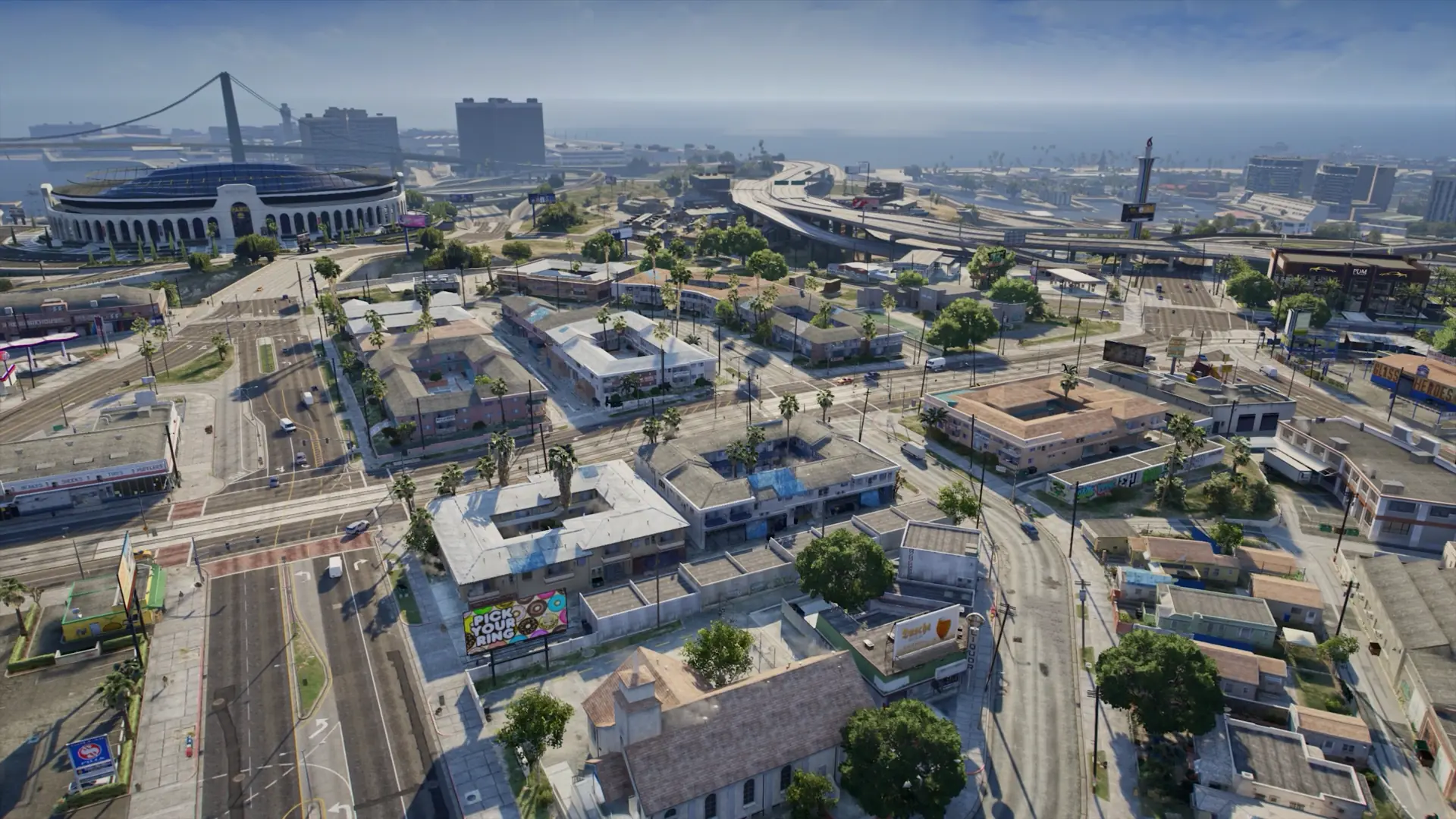
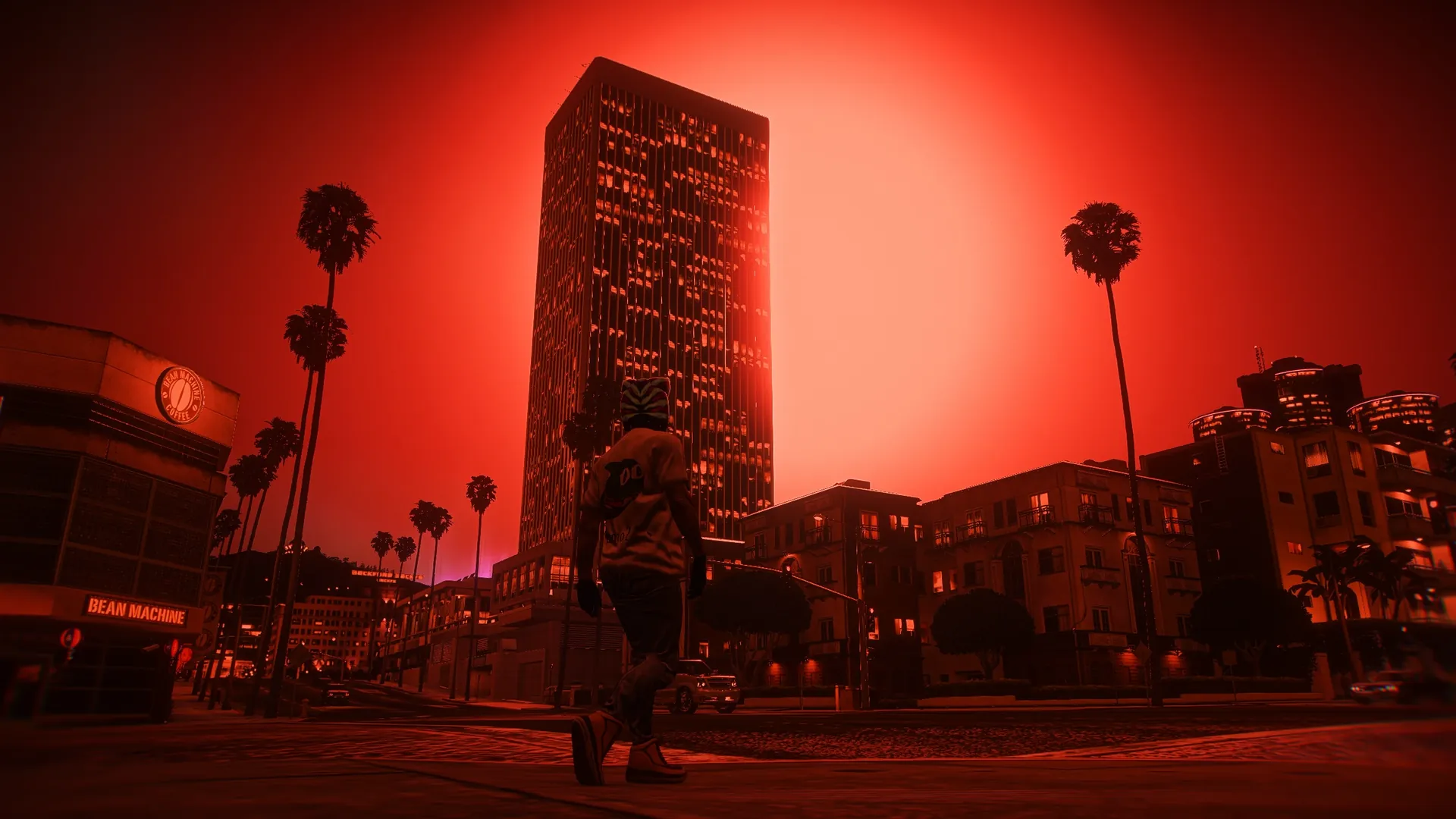
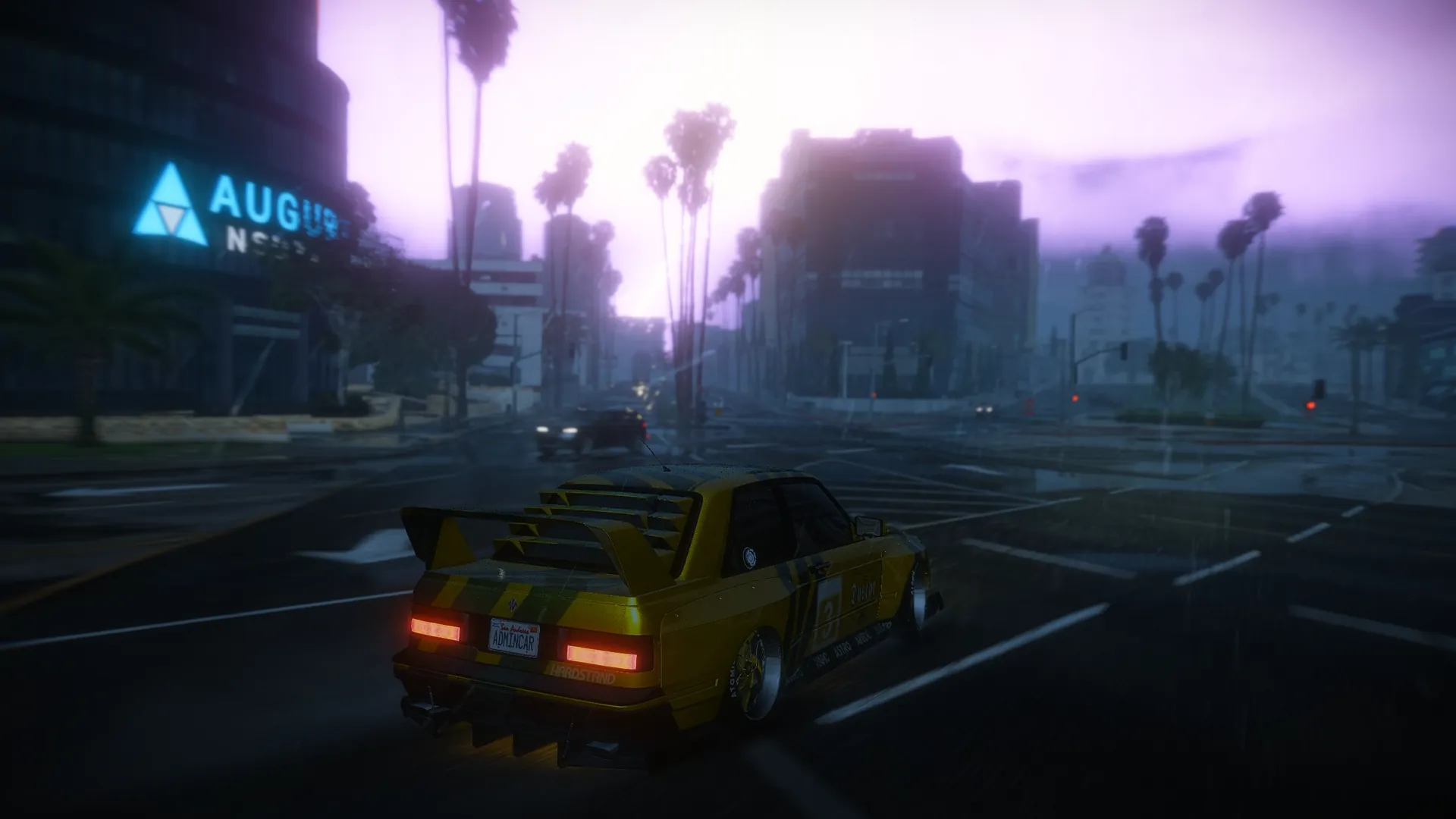
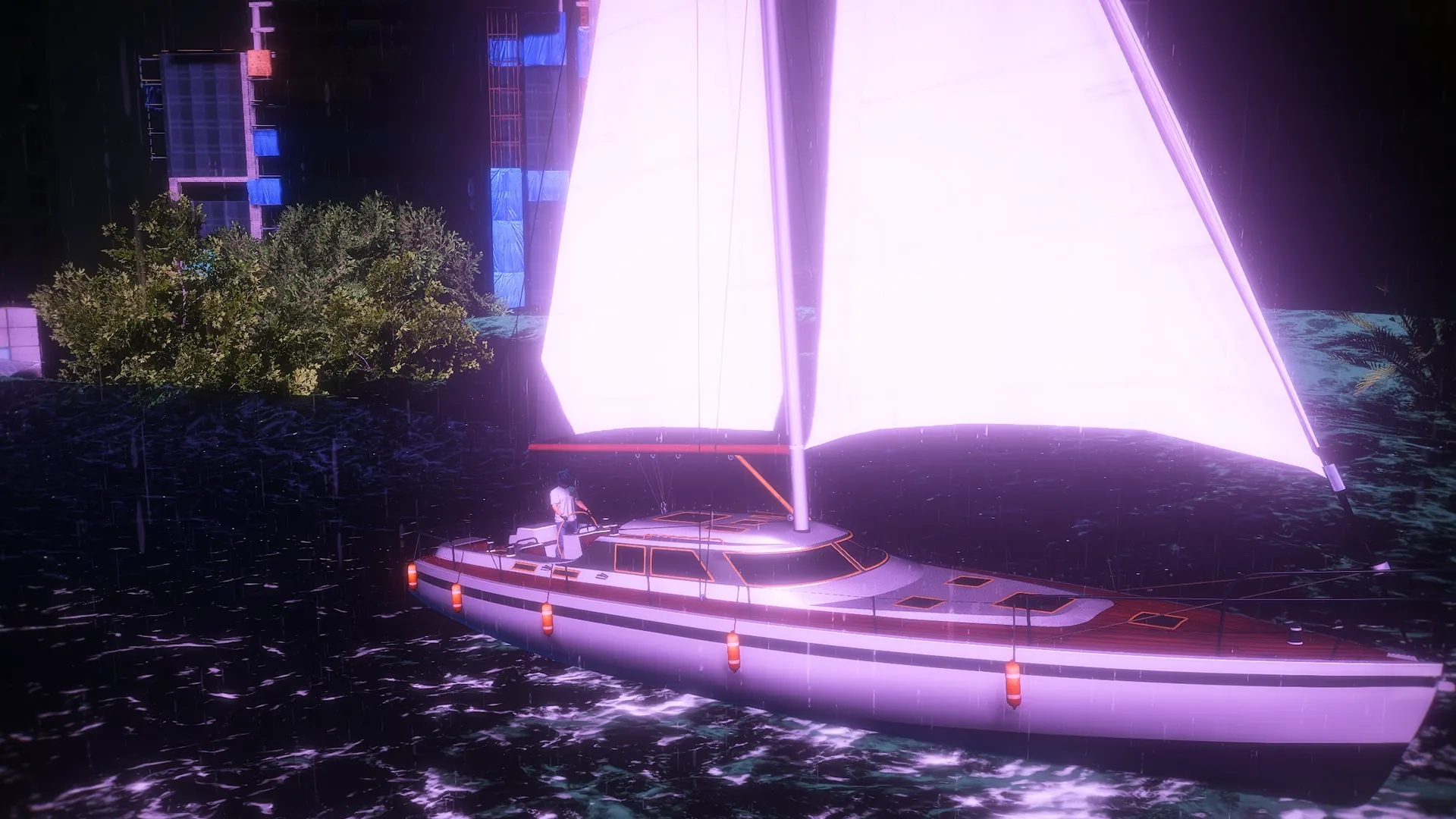
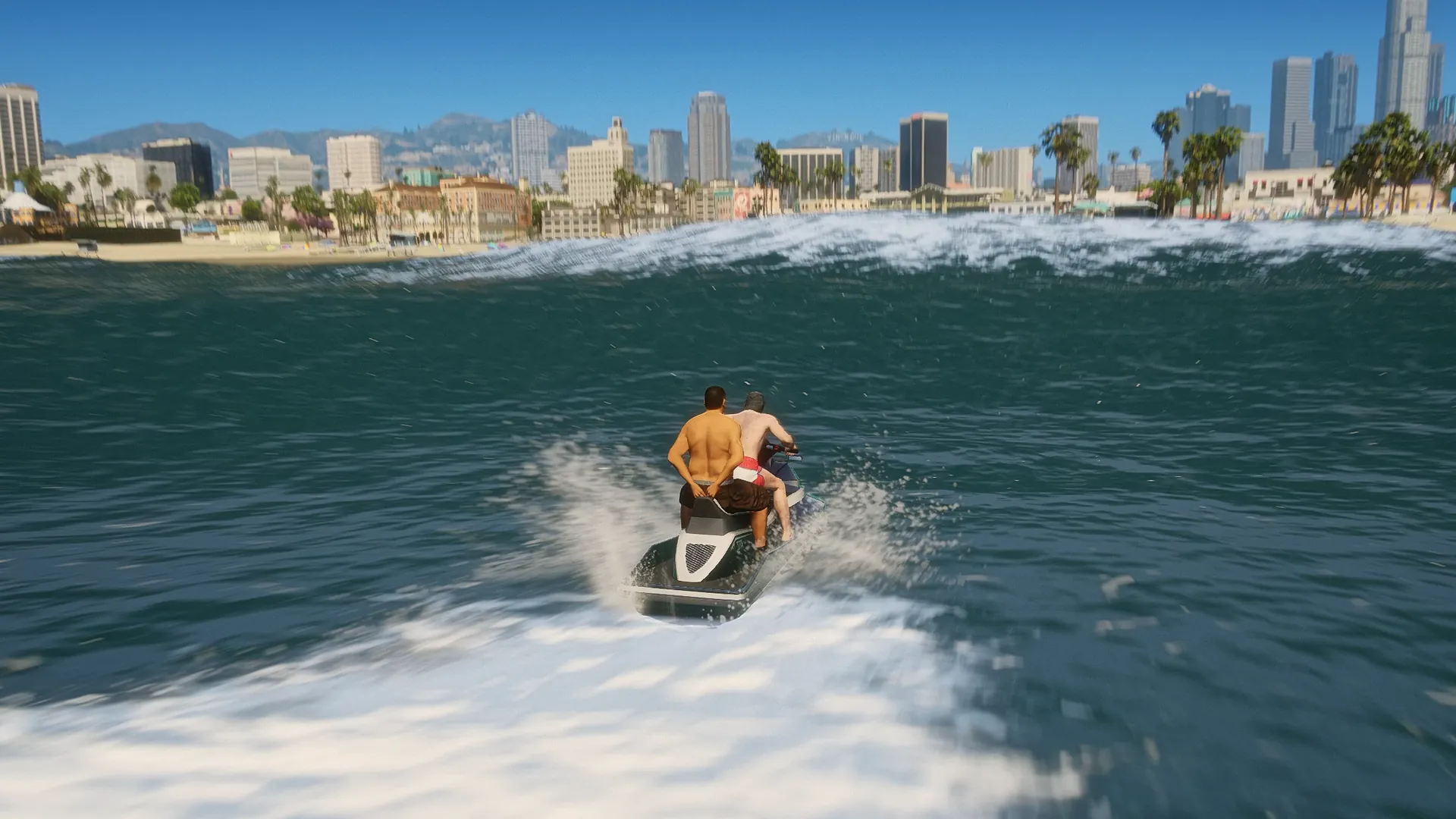
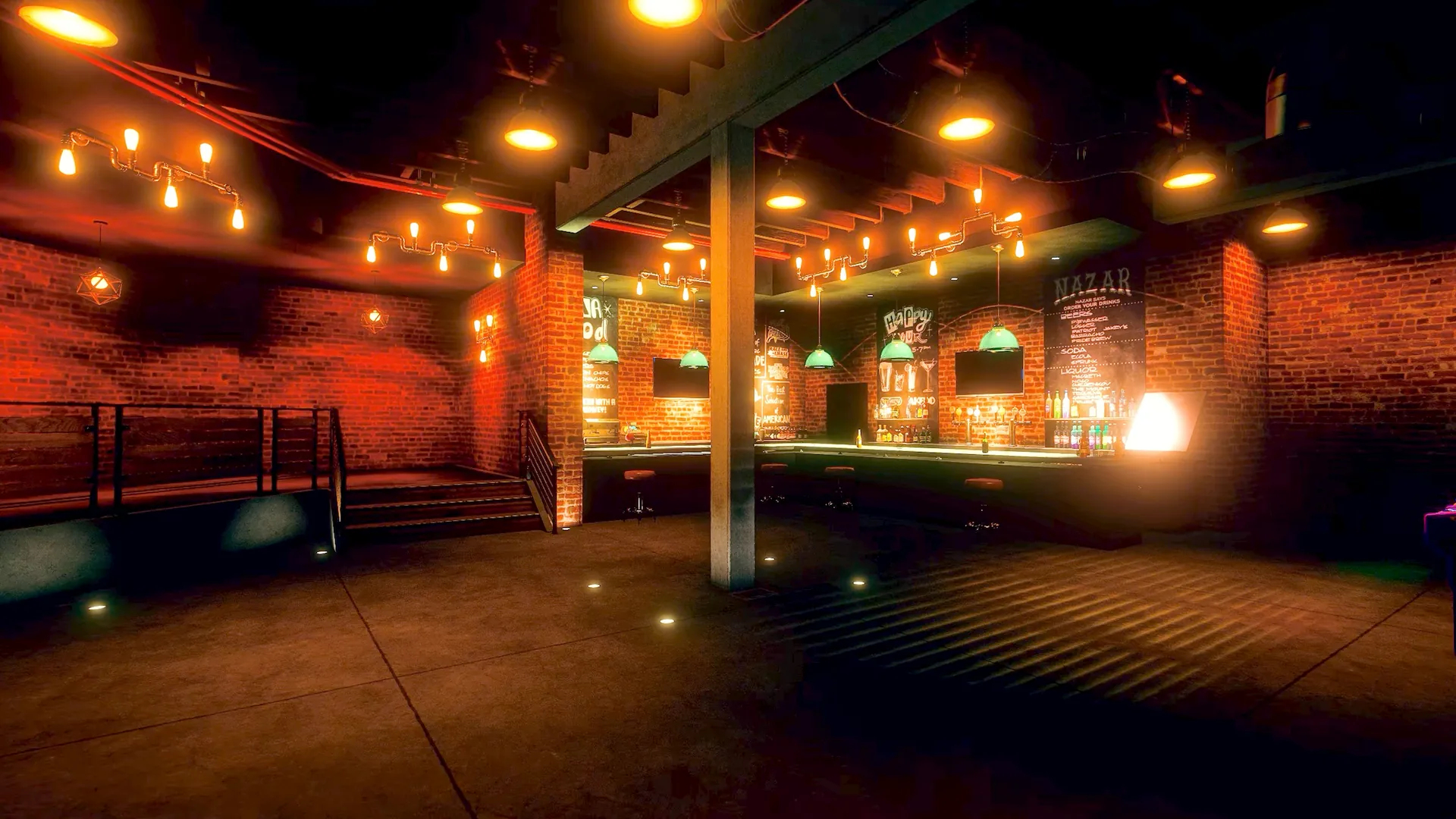
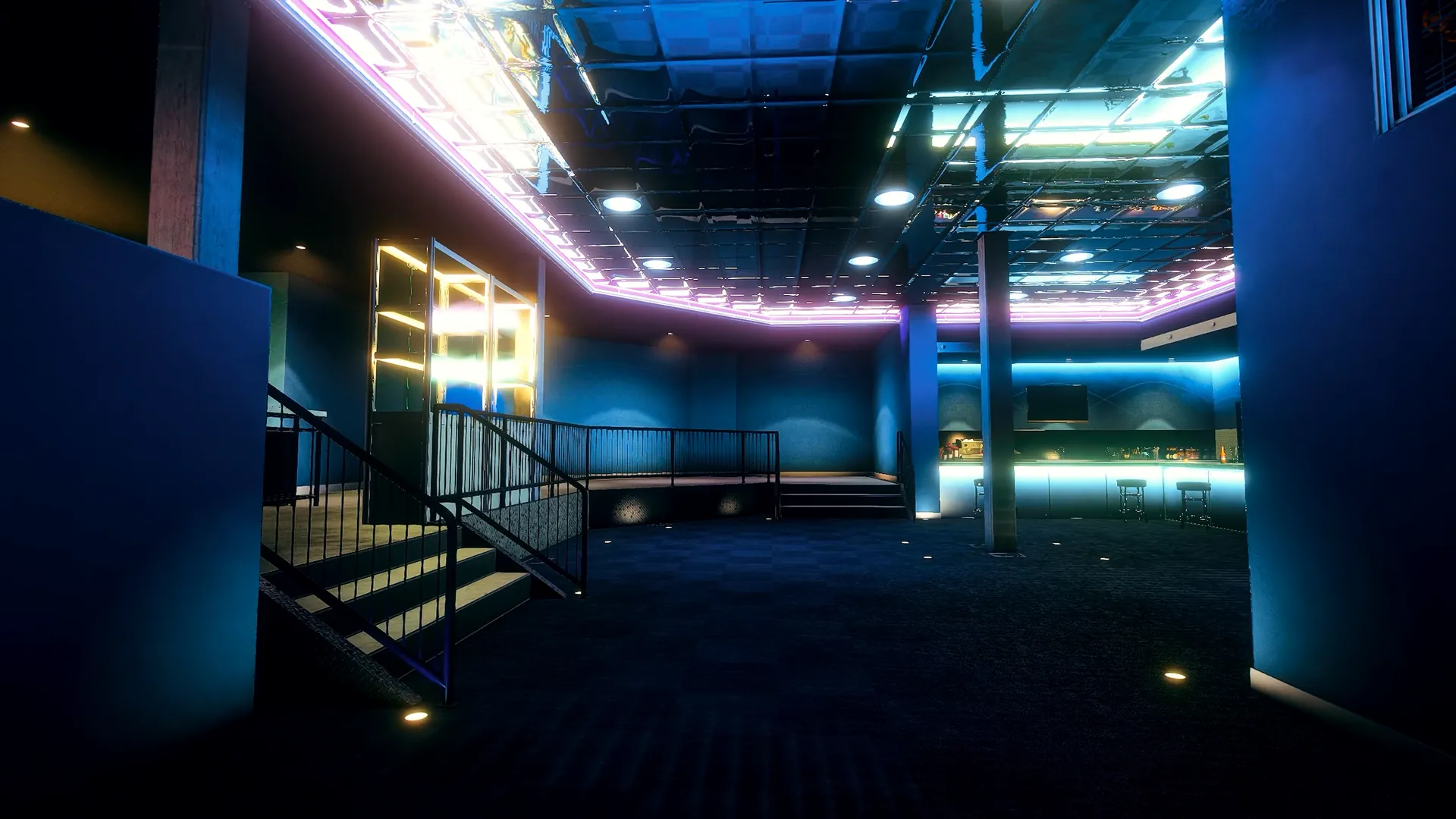
Real in-game captures of Interface + Chat. Click to zoom, use ← → or swipe to browse.
Comprar[03] Los detalles
Four steps to a new HUD and chat. Works with ESX, QBCore and Qbox.

[05] Interface 2.0
HUD, chat, notifications and progress bars that match your server's look.
Pick a HUD and choose what it shows, such as player ID and job.
Custom commands, /me and /do bubbles, VIP badges and moderation tools.
Change notifications, progress bars, car HUDs, colors and positions without editing files.
Stress, stamina and underwater breath shown right in the HUD.
Customize HUD, notifications, chat, progress bars and UI components to give your server its own look.

Choose from 10+ HUD styles showing player ID, job and other key info.
5+ notification styles to match your server branding.
9+ progress bar styles for crafting, interactions and every other action.
5+ car HUD styles showing speed, fuel and driving info.
A customizable roleplay chat: configure commands, add /me and /do bubbles and style every message.
Moderate chat with forbidden words, job-based commands and custom rules, and show exclusive badges next to VIP members' names.

A stress system that reacts to player actions, stamina that drains as you run, and an underwater breath indicator, all shown in the HUD.

With qs-multicharacter, each character loads its own interface settings automatically.

Built-in rock-paper-scissors and dice for quick social moments.
[16] En el juego · 12 capturas
The editor, the HUD and the chat as players and admins see them.
[17] Vista previa · 01 vídeos
A walkthrough of the HUD, chat and in-game editor.
01/01
[18] FAQ
Customization, chat, compatibility and integrations.
ESX, QBCore and Qbox.
The HUD, notifications, chat, progress bars, car HUDs and other UI components.
Yes. Positions, layouts and visuals are changed in-game with an instant preview.
More than 10, plus 5+ notification styles, 9+ progress bar styles and 5+ car HUDs.
Custom commands, /me and /do bubbles, message styling, VIP badges, forbidden words and job-based commands.
Yes. Each character loads its own interface settings when it spawns.
[19] Reseñas · Rated 5.0 / 5
I've tried many HUD and chat scripts, but this one is by far the best. The best feature is the in-game editor, you can change colors, positions, and layouts instantly without editing any files or restarting the server. It has over 10 HUD styles and the car HUDs look amazing. The chat is also fully packed with features like /me and /do bubbles, and the built-in dice game is a fun touch for roleplay. Performance is perfect, no lag at all. Highly recommended!
Respuesta de Quasar Store
Thank you! The in-game editor was a big focus for us, so it's great to see it called out.
[20] Más Scripts
Más del catálogo de scripts.
 01 Destacado
 02 Destacado
 03 Destacado
 05
 06
 07
 08
 09
01/01
[21] ¿Necesitas ayuda?
Nuestro equipo responde dudas de configuración, compatibilidad con frameworks e integración antes y después de la compra.






 04