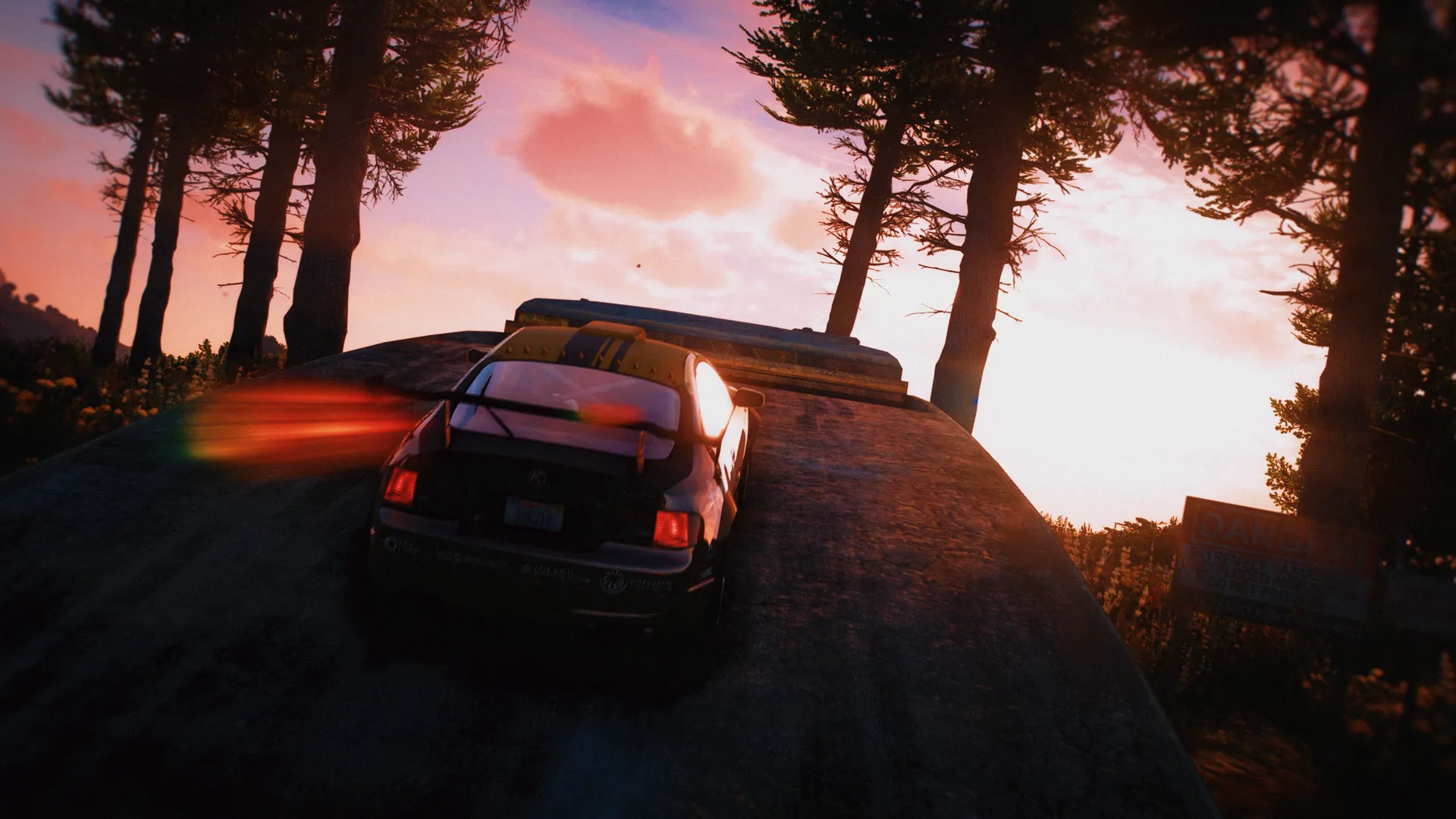
Zone Weather is a FiveM weather script. On almost every server the weather is the same across the whole map: if it rains, it rains everywhere, from the beach to the mountains. Zone Weather ends that. You split the map into zones, and each zone gets its own weather.
How does it work? As an admin, you open the zone creator and draw a shape on the GTA map, or walk around the border in game and mark each point. That shape becomes a zone. For each zone, you choose which kinds of weather can happen there, how often, and for how long. From then on, the server changes the weather in every zone automatically. It can be sunny in the city, foggy by the sea and stormy in the north, all at the same time. A zone can even have its own time of day, like an island that’s always at sunset.
It also adds five special events that normal GTA doesn’t have. An earthquake shakes the ground and throws cars and people around. A tornado moves across a zone, pulling in everything near it. A tsunami floods the whole map. A blood moon turns the night sky red. A sandstorm turns the world orange. Admins can start any of them from a live control panel whenever they want.
Everything is set up in game from three panels, and your existing weather scripts keep working. It runs on QBCore, ESX Legacy and Standalone servers.





 01
01 02
02 03
03 04
04 05
05 06
06 07
07 08
08



 01
01 02
02 03
03 04
04 05
05 06
06 07
07 08
08 09
09